Context
I wanted a practical way to understand companies quickly without opening a dozen tabs or losing the thread of what matters. The goal was not just to summarize a company, but to structure the research into the questions someone actually asks before engaging with an organization.
What I built
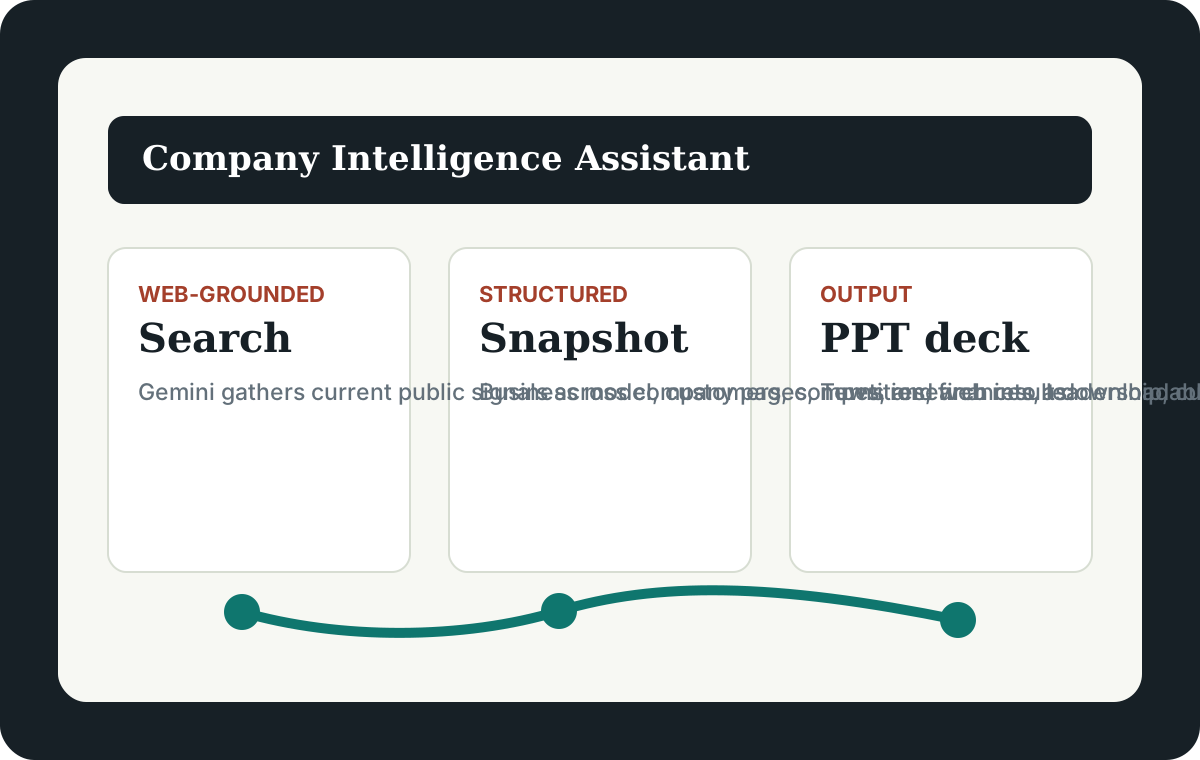
- A local Python web app that accepts any company name and uses Gemini with Google Search grounding for current web research
- A structured Company Intelligence Snapshot that answers core business, revenue model, customers, competitors, financial health, operations, culture, leadership, and final strengths/weaknesses perspective
- A loading layer with rotating status messages so long-running AI research feels active instead of stuck
- A PowerPoint export path that turns the research into an editable deck
- Guardrails that label the output as AI-generated and remind users to verify important facts before relying on the results
Why it matters
Company research usually gets scattered across search results, company pages, news articles, LinkedIn, and funding or financial sources. This tool turns that mess into a repeatable research workflow and a presentation-ready output.
Live project note
This project is live on Render and can be used directly from the browser: Launch the Company Intelligence Assistant. The AI backend uses a private Gemini API key stored as a Render environment variable, so visitors can search companies without exposing the key in the website code.
What this demonstrates
- Building an AI-assisted workflow around a real research job-to-be-done
- Designing prompts that produce structured business intelligence, not generic summaries
- Combining web-grounded AI with user-facing outputs like PPT decks
- Thinking through privacy and deployment tradeoffs when API keys are involved
- Translating a tool into a portfolio-ready product story